Traditional formal education costs large amounts of money and time. Many high‑quality open university courses sit online, yet most learners never finish them. Modern AI tools give ordinary people a chance to build fully personalised self‑study systems without expensive tuition.
This article breaks down the ALTER framework, five distinct roles you can assign to AI to create your own self‑education workflow: Advisor, Librarian, Tutor, Editor, Roommate. Each role handles a unique stage of learning, from building your curriculum to expanding your perspective.
Advisor: Build your personalised learning roadmap
A great academic advisor understands your current skill level and builds a custom‑fit learning path. Human university advisors cannot tailor‑make a full curriculum for every single student, but AI can fill this gap.
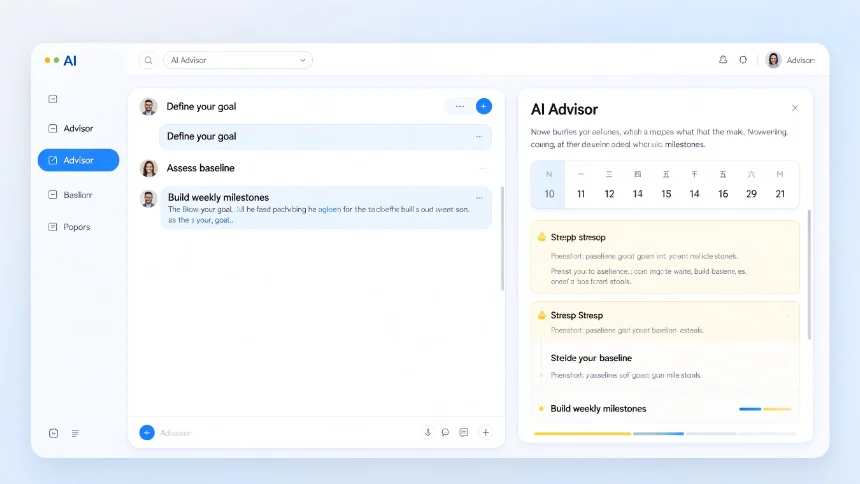
When setting AI as your learning advisor, ask it to produce five core outputs:
- Destination: Define what competence you want to achieve by the end of your study.
- Baseline: Assess your existing knowledge level on this subject.
- Sequencing: Suggest the logical order to learn different topics.
- Cut list: List concepts you can safely skip in your early‑stage learning.
- Milestones: Concrete deliverables proving you have mastered each phase.
Sample working prompt template:
Act as my senior academic advisor. Help me build a multi‑week custom learning plan for [subject]. Interview me to assess my current baseline knowledge. Define my end goal, arrange topic learning order, note subjects I should temporarily ignore, and set weekly actionable milestones to measure progress. Ask me one question at a time.
You can apply this workflow for technical subjects, design theory, creative topics, business knowledge and more. Multimodal models such as Gemini work well for visual‑heavy subjects.
Connect your curriculum to real‑world tools
Once you finish drafting your custom study plan, you can push it into your daily productivity apps instead of leaving it only inside the AI chat window.
With automation connectors such as Zapier MCP, your AI can directly interact with Google Docs, Google Calendar and other services: ‑ Export the week‑by‑week curriculum into a Google Doc ‑ Create calendar events for each study session ‑ Send pre‑study reminder notifications
This bridges planning and execution. Your learning plan moves from theoretical text to actionable items inside tools you already use daily.
Librarian: Filter reliable learning resources
Online content feeds are optimised for engagement, not education. Even digital‑native learners struggle to tell apart sponsored content and genuine educational material. Your AI librarian’s job is source triage: separate high‑value signal from noise.
Practical workflow:
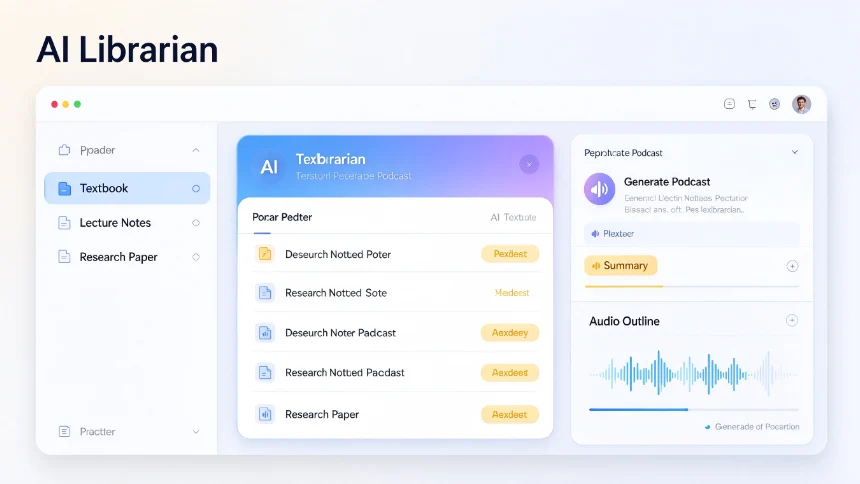
- Gather core learning materials: textbooks, lecture recordings, papers, podcasts. If you do not know where to find sources, use AI deep‑research functions to locate them.
- Import these verified original sources into Notebook LM. Ground the AI on your selected material, instead of letting it draw information from the open web.
- Repurpose source content into different formats: generate custom podcasts, slide outlines and summaries you can consume during commutes or walks.
You are no longer passively scrolling algorithm feeds. All learning content comes from your curated set of trusted reference materials.
Tutor: Diagnose gaps in your understanding
Lectures explain knowledge, while a tutor finds exactly where your thinking breaks down. Research known as the two‑sigma problem shows students receiving one‑on‑one tutoring vastly outperform classroom‑only learners. But private human tutoring remains costly for most people.
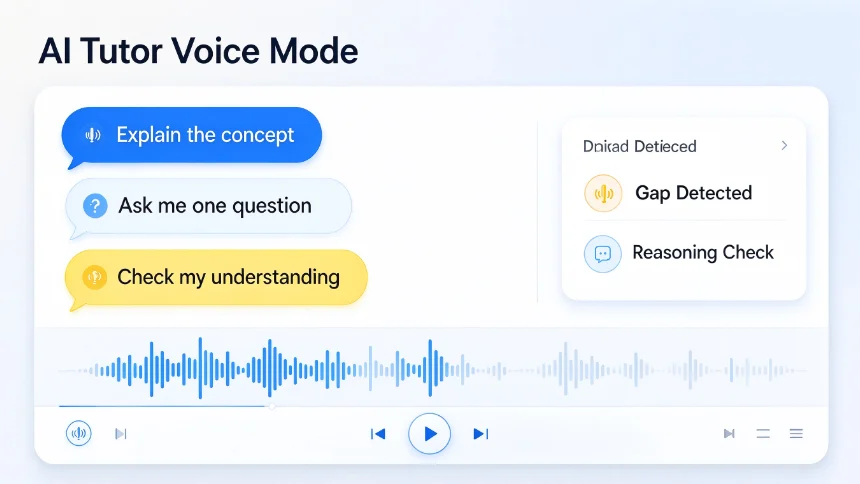
Voice‑enabled AI turns one‑on‑one tutoring accessible for free. Instead of long lecture monologues, set your AI tutor to ask targeted questions, uncover blind spots in your comprehension.
Simple prompt for voice mode (ChatGPT Voice / Gemini Voice):
Act as my tutor for [concept]. Ask me one question at a time. Do not give long lectures. Find gaps in my understanding and probe my reasoning.
Two high‑utility instructions you can reuse: ‑ Teach me: For initial concept explanation ‑ Test me: To validate whether you truly grasp knowledge
Editor: Sharpen your work with critical feedback
Learning does not end after you absorb information. You solidify understanding by producing output, and output needs critical review.
Authors, filmmakers and professionals all rely on editors to spot logical holes, redundant wording and weak arguments. Assign your AI the role of editor after you finish assignments, notes or learning projects.
Give these tasks to your AI editor: ‑ Challenge your reasoning and uncover weak points in your argument ‑ Remove redundant content ‑ Tighten structure and make statements concrete and precise
Important note: AI provides feedback, you keep final decision‑making authority over your work.
Roommate: Bring outside perspectives to broaden thinking
Deep expertise can create blind spots. Your AI‑roommate simulates those casual, unexpected late‑night conversations with someone from an entirely different background. It draws connections between unrelated fields to give you new lenses to look at your subject.
The core idea: ask AI to build analogies and links between your study topic and completely unrelated domains.
Example questions you can use: ‑ What connections exist between cooking and personal finance? ‑ How can jazz band dynamics give insights for building work teams?
These cross‑domain comparisons prompt you to ask questions you would never arrive at when staying only inside your subject area.
Closing thoughts
The ALTER framework (Advisor, Librarian, Tutor, Editor, Roommate) gives you a complete free self‑education system. AI handles different parts of the learning pipeline, but consistent action still depends on you.
No tool replaces taking real action. The best learning system only works once you jump in and start practising.