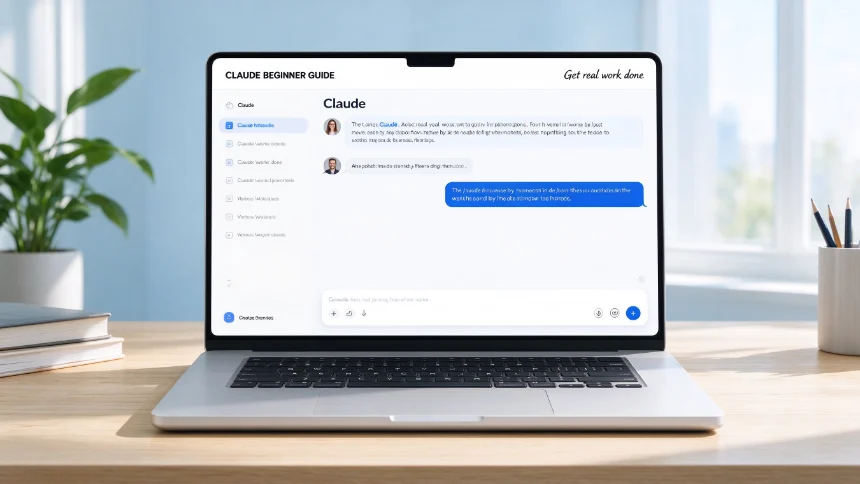
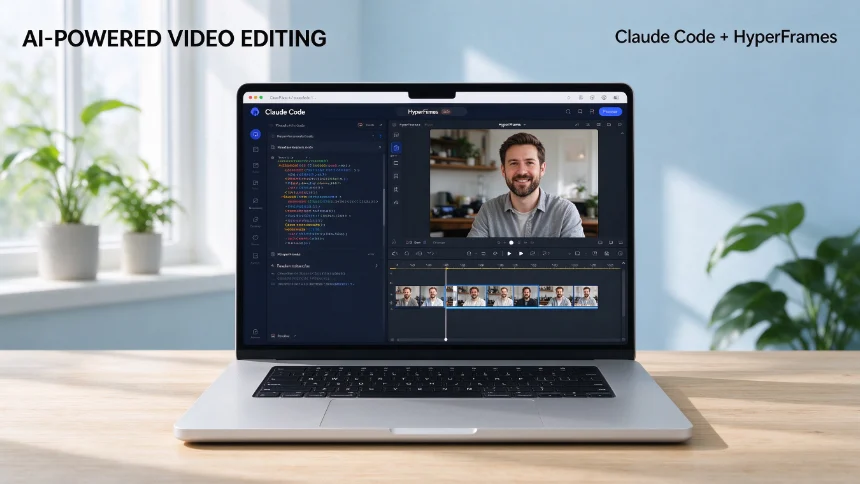
You don’t need years of programming experience to build functional software today. Claude‑Code lets you turn plain‑English descriptions into working applications. Even people who have never written a line of code can create practical internal tools, small web apps and personal utilities.
This article breaks down the core workflow for non‑developers, including the practical BITE framework to plan, build, test and iterate your projects.
Core mindset: Manage outcomes, not code
Many people feel intimidated by coding tools. Think of Claude‑Code like a professional translator. You state what you want in plain English, and it handles all the underlying programming work.
- Regular Claude Chat: good for thinking, brainstorming and answering questions.
- Claude‑Code: for building tangible working software.
You do not need to understand every technical log message or generated source file. Your job is to judge whether the final output matches your requirements. If the appearance or behaviour is wrong, give new natural‑language instructions to adjust it.
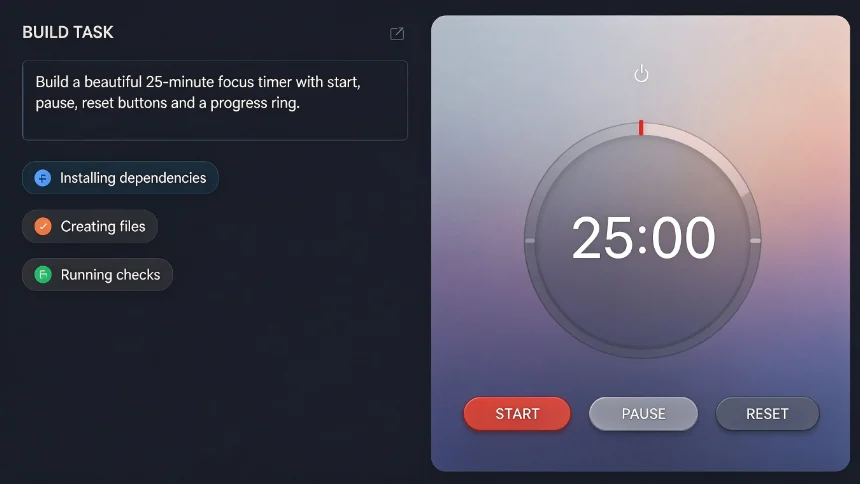
First simple hands‑on example: build a focus timer. Open desktop Claude app, switch to Code mode. Point it to an empty local project folder. Give this simple prompt:
Build a beautiful 25‑minute focus timer with start, pause, reset buttons and a progress ring.
Within minutes you get a runnable app. Inspect the result. If styling or behaviour does not satisfy you, describe changes in plain language.
BITE framework: Briefing‑Implement‑Test‑Evolve
Randomly throwing prompts at AI often creates messy unfinished work. Use the BITE four‑step cycle to build software incrementally, one small piece at a time, instead of trying to finish everything in one go.
- B‑Briefing Clarify requirements before writing any code. Answer four key questions:
- Who is this tool for?
- What real‑world problem are we solving?
- What features must the first version contain?
- What features are explicitly out‑of‑scope and will NOT be built for v1?
Ask AI to draw up a high‑level project plan. Let it make most low‑level technical decisions. You only review product‑related choices, not database or language selections.
- I‑Implement Build the smallest‑useful‑version (Minimum Viable Product / MVP). Do not attempt to build every feature at once.
Pro tip: Use high‑reasoning‑power model for planning phase; switch to faster, cheaper model for implementation work. It is like assigning strategy work to a senior staff and routine execution to junior staff.
Turn on auto‑mode when appropriate. Claude‑Code will install dependencies, create files and run checks with fewer manual confirmations.
- T‑Test Run your finished MVP. Operate the app manually, find missing functions, bugs and awkward user flows. Collect concrete improvement points, then feed them back as natural‑language prompts.
- E‑Evolve Iteratively add new features based on real usage feedback, not hypothetical wish‑lists. Expand capabilities step‑by‑step.
Practical case: build Orbit personal relationship manager
Goal: create a lightweight personal contact‑tracking tool to keep track of professional connections.
Briefing stage core prompt idea:
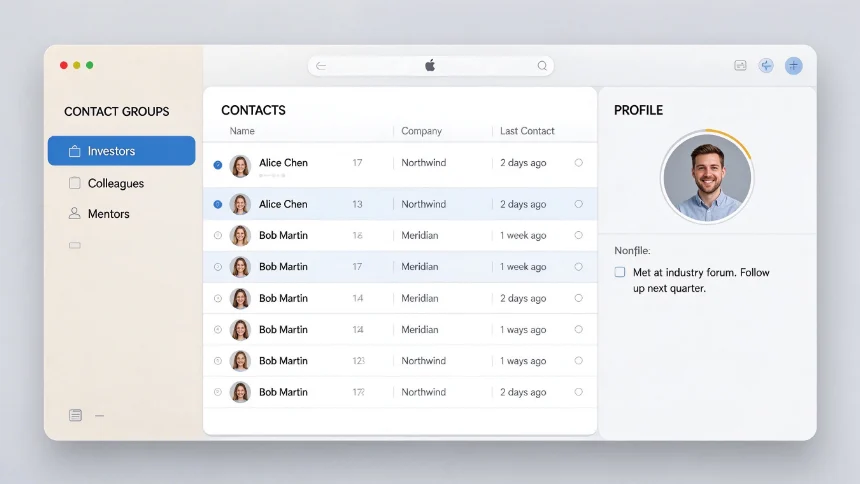
Build a personal relationship manager called Orbit. Track how I stay in touch with important contacts. Version one uses sample test data. Show name, company, last‑contact date and personal notes. Clean Apple‑style muted UI. Do NOT add email or LinkedIn integrations for v1. Make a project plan first. I am not a software developer. Handle all technical decisions on your own, only ask me product‑related questions.
Add further UX requirements: three‑column layout, left sidebar for categories, middle contact list, right‑hand profile panel when clicking a contact.
After approving the plan, Claude‑Code implements the MVP. Then through testing you find missing capabilities, add dashboard metric cards, add log‑contact button to record interaction records, and keep evolving the tool.
Important observations for non‑programmer builders
Anthropic research on hundreds of thousands of Claude‑Code sessions shows an interesting result: people without programming background can achieve comparable success rates to professional engineers.
The key skill is not syntax knowledge. It is:
- Clearly describing your business needs
- Defining scope, what to build and what to exclude
- Observing real usage effect and giving precise feedback
You can evolve your project in three directions:
- Repurpose the built code for other similar tools.
- Gradually learn related technical concepts when you encounter practical obstacles.
- Keep tinkering: build imperfect early versions, then continuously improve.
Note: Building with AI does not replace professional engineers for complex production‑grade systems, security‑critical products or large‑scale architecture. But for personal tools and small internal utilities, non‑programmers can deliver great results.
Closing thoughts
The barrier to building software has dropped sharply. You no longer must master programming syntax to turn your practical ideas into working software. Master the BITE iterative workflow, focus on outcomes instead of code details, and you can build many practical tools yourself.