Many creators run into frustrating roadblocks with Midjourney: outputs do not match expectations, generation hangs, slow rendering or unexpected error messages. Most of these failures stem from a small set of recurring causes. This practical guide walks you through step‑by‑step checks to diagnose and resolve frequent problems.
Check network and interface responsiveness
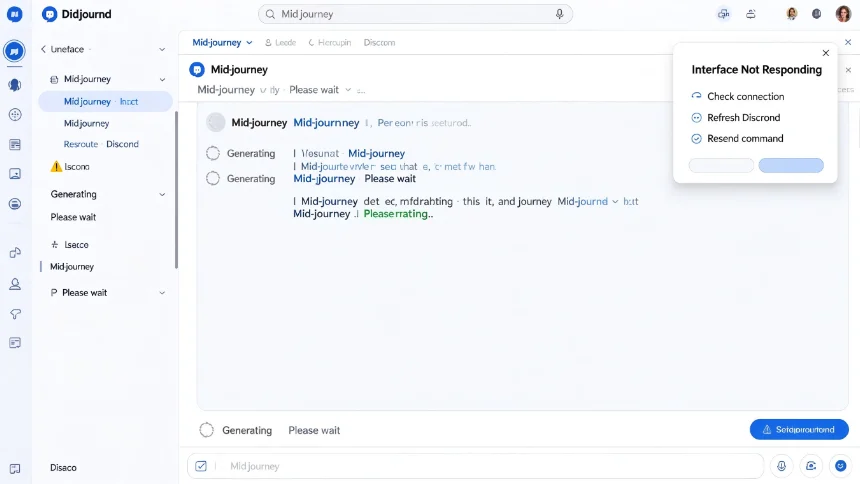
Unstable internet connectivity is one of the most frequent hidden causes. Poor connections may stop page loading, break Discord interactions or interrupt image‑generation workflows.
If your Midjourney interface freezes or stops responding:
- Verify your internet connection stability.
- Refresh your Discord browser or restart the Discord desktop client.
- Resend your generation command after reloading.
Audit and restructure your prompt
Unexpected output often traces back to prompt quality. Conflicting descriptions, vague wording or over‑crowded prompts confuse the model and produce inconsistent results.
Recommended workflow for rewriting problematic prompts:
- Start your prompt with your core main subject.
- Add secondary details incrementally: lighting, color palette, composition, artistic style.
- Remove contradictory descriptive terms that work against each other.
Simplify first, then layer extra details one group at a time. This makes it easier to pinpoint which phrase creates undesired results.
Resolve parameter‑related errors
Many errors appear because parameters do not match your active Midjourney model version. Different model releases support distinct sets of commands and settings.
When you receive parameter‑related error notifications:
- Confirm which Midjourney model you are currently using.
- Look up whether the problematic flag is compatible with this model iteration.
- Delete unsupported syntax or replace it with valid alternatives.
- Double‑check prompt syntax formatting before submitting again.
Diagnose slow image‑generation speed
Slow image rendering can come from multiple sources. First check Midjourney official status for ongoing platform outages or service disruptions. Heavy server load will delay queue processing for all users.
Also confirm your account still holds available generation credits. Exhausted or depleted generation quotas will lead to queuing or stalled jobs.
Closing thoughts
Most Midjourney failures are not mysterious bugs. They originate from unstable networks, messy prompt construction, version‑mismatched parameters or platform‑side load. Troubleshoot from the simplest checks outward: test connection, simplify prompts, validate parameters, verify platform status and account limits.