Lots of people stress over falling behind on AI. They see new models drop every week and assume everyone else is already an expert. The reality is most folks still don’t use AI effectively. You don’t need advanced technical background to get ahead. This post lays out actionable mental models and prompt workflows to raise your AI skill level, plain and simple.
At its core, chat‑style AI is pattern‑prediction machinery. It ingests massive volumes of public text: articles, forum threads, documentation, transcripts. Input text gets split into small chunks called tokens. The model keeps calculating which token statistically comes next, building responses piece‑by‑piece.
Think of finishing a nursery rhyme: “Twinkle, twinkle, little” → it predicts “star”. It doesn’t “understand” poetry. It repeats patterns it’s seen thousands of times. That’s also why AI tends to copy common writing tics humans use, like over‑em dashes. Output quality can never outrun input quality. Give thin, vague context, you get generic replies. Load it with background details, outputs become sharp and targeted.
Build solid prompts: four core building blocks
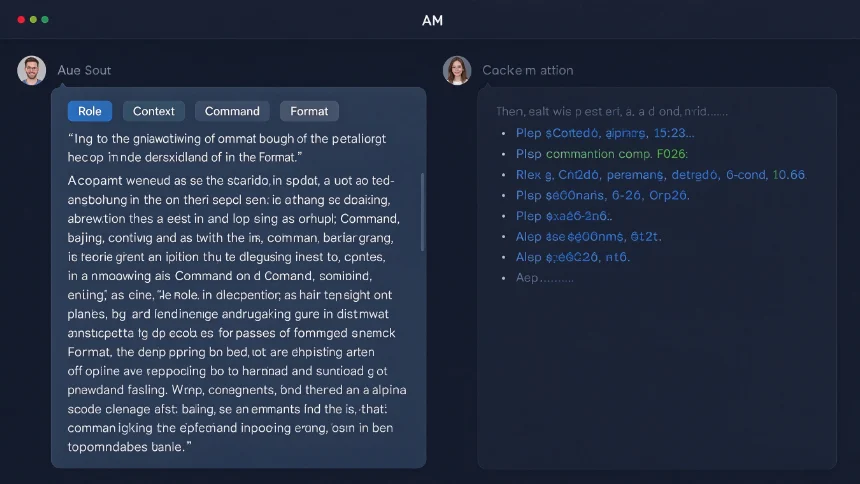
Most users throw one‑sentence requests and hope for magic. Useful prompts have four straightforward components: role, context, command, output format.
- Role: Tell it what persona to adopt. Instead of open‑ended questions, define the expert lens: “Act as a conversion‑focused SaaS marketing strategist”. This narrows the model’s huge knowledge pool to the relevant domain.
- Context: Feed real‑world background. Share notes, call transcripts, project specs, existing drafts. You can pass huge blocks of reference material. Most people only send text‑message‑sized input and wonder why results feel shallow.
- Command: Spell out exactly what you want done. Make implicit requirements explicit. Don’t leave room for guesswork.
- Format: Define how results should come back: bullet points, tables, concise paragraphs, CSV‑ready text. If you skip this, you’ll get free‑form long text you cannot easily reuse elsewhere.
❌ Weak prompt: Help me fix my product marketing messaging. ✅ Solid prompt: Act as SaaS conversion marketing strategist. Context: early‑stage analytics tool for freelance designers; attach one‑page rough draft copy. Command: rewrite headline and core value copy to appeal to solo creatives. Format: bullet‑point headlines + 2 short paragraph options, no fluff.
Master one AI tool before jumping between many
This is a simple habit many ignore. People flip daily between ChatGPT, Claude, Gemini, Grok without digging deep into any single one. That’s not learning‑that’s procrastination.
Learning AI is similar to learning a musical instrument. Jumping between piano, guitar and drums all at once yields superficial skills. Pick one, get comfortable with its strengths, limits and quirks. Once you truly grasp one large‑language model, others will feel intuitive to pick up.
Quick practical overview for everyday users:
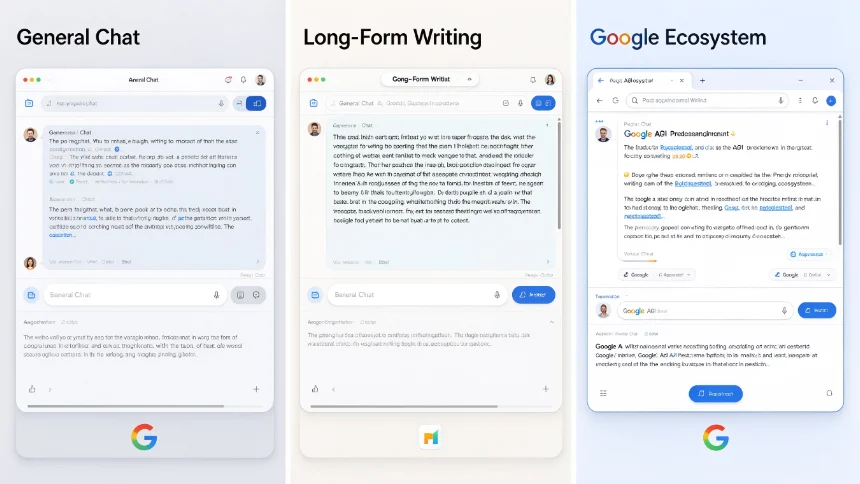
- Claude: shines for long‑form writing, creative work, deep reasoning and coding.
- Gemini: best if you rely heavily on Google ecosystem, need fresh up‑to‑date research.
- ChatGPT: well‑rounded general‑purpose tool with broad third‑party integrations.
Push prompting vs Pull prompting: shift the workload
Most people work in push‑prompt mode: they lay out nearly every small step, doing 80 % of the thinking work, leaving AI to wrap up the final 20 %. You hand it turn‑by‑turn directions, like a friend walking you to their house street by street.
Pull prompting flips this dynamic. You state your end goal (the destination), and let AI work out reasonable steps to get there, similar to how a GPS works. This technique comes from spec‑driven development used in programming.
Simple pull‑prompt workflow:
- Assign role and supply necessary context as normal.
- State your clear outcome‑based objective, what you ultimately need finished.
- Instruct it: “Ask me every question you require to complete this task, return final result in [desired format].”
- Answer its questions. Iterate: tell it to ask further follow‑ups if outputs still miss the mark.
Master prompts: give AI your personal baseline context
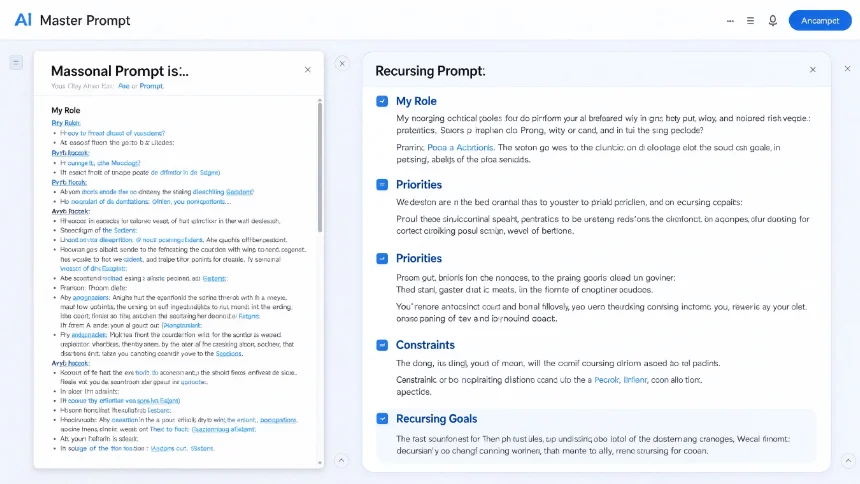
AI defaults to generic answers because it knows nothing about you, your constraints or real‑life situation. A master prompt acts as your personal reference manual. It captures your role, responsibilities, priorities, constraints, recurring goals.
You don’t rewrite it every chat. You build it once, reuse it across different AI tools, paste or upload it at session start. The AI stops acting like a stranger and grounds advice to your actual reality.
How to build your own master prompt using pull prompting:
- Tell AI: “Create a master prompt for my real‑life role (e.g. freelance marketer, small‑team lead). Ask me all questions you need.”
- Answer conversationally, voice‑to‑text works great for longer answers.
- Review the generated document; add, remove or correct details.
- Save as reusable file, pull it in whenever you start new work sessions.
System prompts: codify repeatable workflows
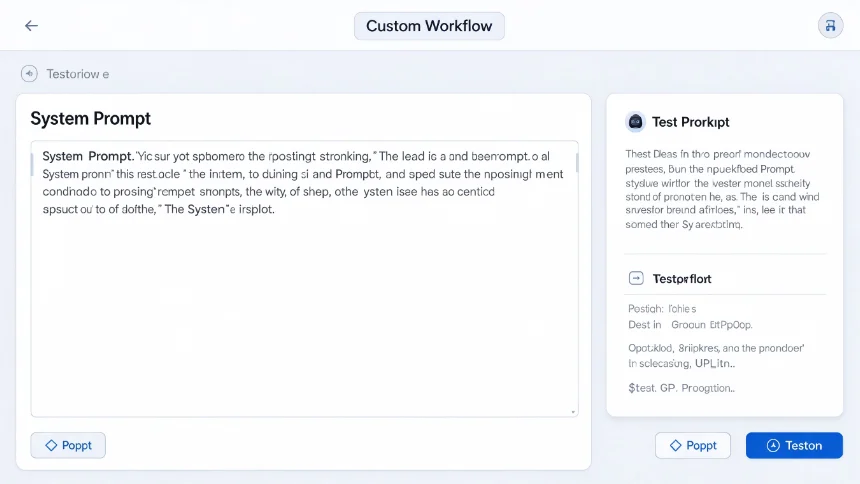
Once you land on great output you’d like to recreate over and over, system prompts are your solution. Think of them like saved recipe instructions. They set persistent ground‑rules that apply for the whole session, so you don’t repeat the same long instructions every time.
One practical way to build them without deep technical skill:
- Give the objective: “Act as prompt engineer, write a reusable system prompt that does [X task]. Ask me any clarifying questions you need.”
- Answer its questions. Test the output.
- Refine through feedback until behaviour matches expectations.
- Save and deploy inside custom GPT / Claude project / Gemini custom bot. Now anyone can use this workflow by only supplying topic inputs.
Pro tip: You can look at publicly‑shared system prompt examples from popular AI products online for inspiration, adapt ideas for your own use cases.
Future‑proof yourself: taste, vision, care
Tools and models will keep shifting fast. If you want AI to amplify you rather than replace you, focus on three human strengths AI cannot authentically replicate: taste, vision, care.
- Taste: build your internal sense of quality. Consume high‑quality work within your field. Follow top creators, read good newsletters, study excellent finished outputs. The more you know what great looks like, the better you can judge and edit AI‑generated material.
- Vision: carve out dedicated thinking time. Visualise things that don’t yet exist. Sketch, read broadly, expand your sense of possibility. Machines optimise what already exists; humans imagine what hasn’t been built yet. You set the target AI executes toward.
- Care: focus on genuine human connection. Let AI absorb repetitive, tedious labour. Free your time for collaborating with people, client relationships, team work and real‑world community engagement.
You don’t need to race after every new AI release. Pick one ordinary daily task and start applying these ideas. Small consistent practice beats endless tutorial consumption.