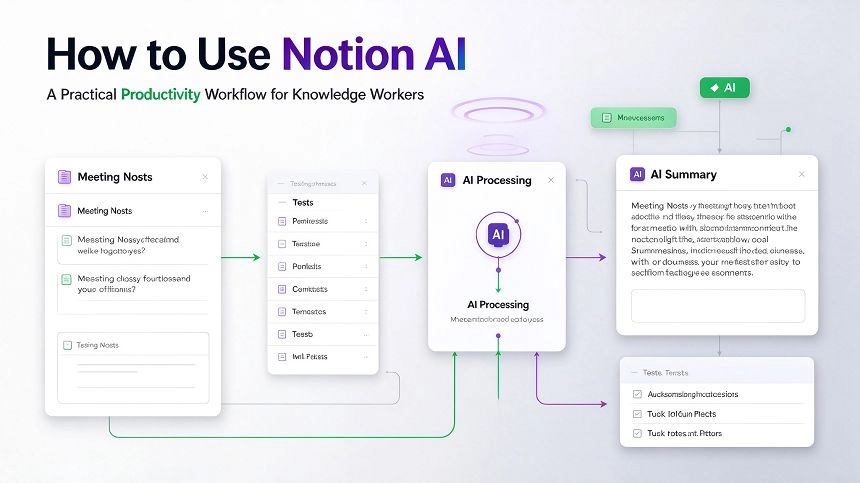
Two of the most popular productivity apps both have AI features in 2025, but they serve fundamentally different purposes. Notion AI turns your workspace into a second brain. Todoist AI makes your to-do list smarter. Choosing between them means understanding which kind of work actually dominates your day.
What Each Platform Does Well
Notion is a flexible workspace that combines notes, databases, wikis, and project management in one place. Its AI layer helps summarize meeting notes, draft content, generate outlines, and find connections across your information. If you want a place where knowledge lives and grows, Notion is difficult to beat. You can build a personal wiki, manage a content calendar, track habits, and collaborate with a team — all within the same tool.
Todoist is a task manager at its core. It does one thing exceptionally well: keeping track of what you need to do and helping you prioritize. Its AI helps predict how long tasks will take, suggests deadlines based on past behavior, and breaks down complex projects into actionable steps. The natural language input is particularly strong — type “Finish presentation by Friday @Work #Q4” and it instantly categorizes and dates the task correctly.
Where They Fall Short
Notion is not a great task manager. You can track tasks in Notion databases, but it lacks the daily review flow, push notifications, and time-based reminders that Todoist handles natively. If your main pain point is remembering what to do and when, Notion requires more manual setup to replicate that.
Todoist has minimal knowledge management capabilities. You can add notes to tasks, but it is not a place to think, brainstorm, or build a knowledge base. If your daily work involves writing, research, or connecting ideas, Todoist will leave you wanting more. According to a 2025 comparison by QApps Online, Todoist proved that not every productivity app needs AI bells and whistles — but that simplicity also means it cannot grow with you if your needs become more complex.
AI Capabilities Compared
Notion AI offers inline editing assistance, brainstorming help, meeting summaries, and content generation. It integrates directly into your existing Notion pages, so AI suggestions appear where you are already working. The AI add-on costs $8 per user per month on top of the base plan. According to Fellow’s 2025 AI productivity review, Notion AI works best for teams managing knowledge bases or project documentation who want to reduce manual writing.
Todoist AI focuses on task intelligence. It predicts task duration based on your history, automatically prioritizes your daily view, and helps break down overwhelming project lists. The AI is built into the core task management flow rather than appearing as a separate assistant. Todoist does not have a standalone AI add-on cost — AI features are included in paid plans starting at $5 per user per month.
Pricing at a Glance
Notion offers a generous free plan for personal use with unlimited pages and blocks. The Plus plan costs $10 per user per month (billed annually) and adds unlimited file uploads and 30-day page history. Business is $18 per user per month with advanced permissions and SAML SSO.
Todoist has a free plan with up to 5 active projects. The Pro plan is $5 per user per month (billed annually), and Business is $6 per user per month with team collaboration features.
Which One Should You Choose
Choose Notion AI if your work involves creating, organizing, and connecting information. Writers, researchers, product managers, and small teams who need a shared knowledge hub will get more value. Notion is also better if you want to build systems that scale as your needs grow.
Choose Todoist AI if your primary daily challenge is task execution. If you spend most of your day managing actions, deadlines, and priorities across multiple projects, Todoist’s focused approach will save you time. It is also the better choice if you want minimal complexity and quick onboarding.
The honest answer is that many people benefit from both — Notion for thinking and planning, Todoist for doing. If you can only pick one, assess which phase of work consumes more of your day: capturing and connecting ideas, or tracking and completing tasks.